How to Install Docker ubuntu on a DigitalOcean Droplet
Installing Docker on a DigitalOcean Droplet running Ubuntu is a standard procedure.1 While DigitalOcean offers a “One-Click” Docker image in their marketplace, knowing how to install it manually ensures you have control over the version and configuration.
Here is the step-by-step guide to installing Docker Engine (Community Edition).
Want $200 DigitalOcean Credit? Claim It Here
Step 1: Update and Install Prerequisites
First, connect to your droplet via SSH.2 Before installing, ensure your existing package list is up-to-date and install a few packages that allow apt to use packages over HTTPS.3
Bash
sudo apt update
sudo apt install apt-transport-https ca-certificates curl software-properties-common
Step 2: Add Docker’s Official GPG Key
You need to add the GPG key to ensure the software you’re downloading is authentic.4
Bash
curl -fsSL https://download.docker.com/linux/ubuntu/gpg | sudo gpg --dearmor -o /usr/share/keyrings/docker-archive-keyring.gpg
Step 3: Add the Docker Repository
Add the Docker repository to your APT sources.5 This command dynamically inserts the correct repository for your specific version of Ubuntu.
Bash
echo "deb [arch=$(dpkg --print-architecture) signed-by=/usr/share/keyrings/docker-archive-keyring.gpg] https://download.docker.com/linux/ubuntu $(lsb_release -cs) stable" | sudo tee /etc/apt/sources.list.d/docker.list > /dev/null
Step 4: Install Docker Engine
Now that the repository is added, update your package index again and install Docker.6
Bash
sudo apt update
sudo apt install docker-ce docker-ce-cli containerd.io
Step 5: Execute Docker Without Sudo (Optional but Recommended)
By default, the docker command must be run with sudo (root privileges).7 To run docker commands as your current non-root user (e.g., sammy or a standard user), add your user to the docker group:8
Bash
sudo usermod -aG docker $USER
Note: You must log out of the droplet and log back in for this group membership to take effect.
Step 6: Verify Installation
Once you have logged back in, verify that Docker is running and installed correctly:
-
Check Status:
Bash
sudo systemctl status dockerYou should see a green “active (running)” status.
-
Run a Test Container:
Bash
docker run hello-worldIf successful, Docker will download a test image and print “Hello from Docker!” along with some explanatory text.
Alternative: DigitalOcean 1-Click App
If you are creating a new droplet rather than using an existing one, you can skip the steps above by selecting the Docker image from the “Marketplace” tab during the Droplet creation process. This comes with Docker and Docker Compose pre-installed.
Summary Table
| Command | Purpose |
sudo systemctl status docker |
Checks if the Docker daemon is active. |
docker ps |
Lists currently running containers. |
docker images |
Lists container images stored locally. |
docker pull [image] |
Downloads an image from Docker Hub. |
Download Your FREE
Dev Stack Starter Guide
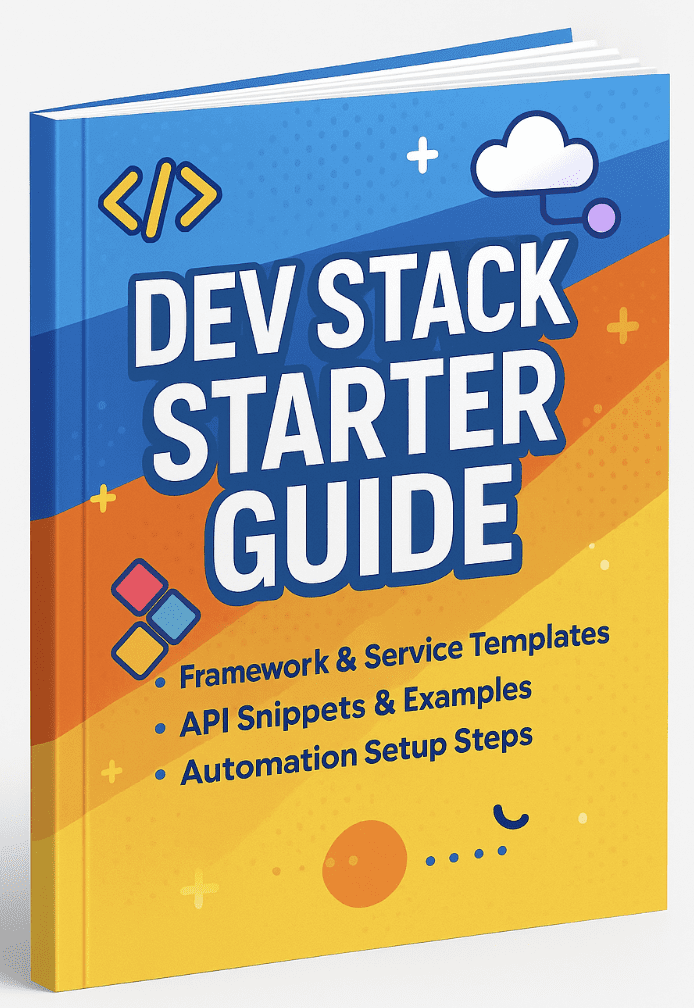
Build, automate, and launch faster—see the automation stack developers and agencies are switching to.
- ✅ API Templates & Code Snippets
- ✅ Done-for-You Automation Workflows
- ✅ Step-by-Step Funnel & CRM Guide
- ✅ Free for Developers, Freelancers, & SaaS Builders